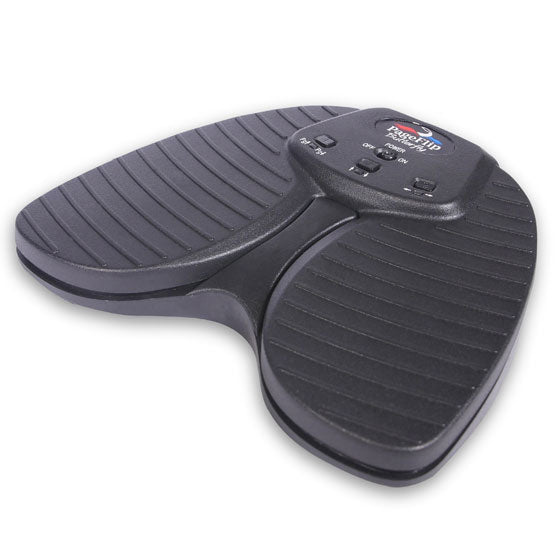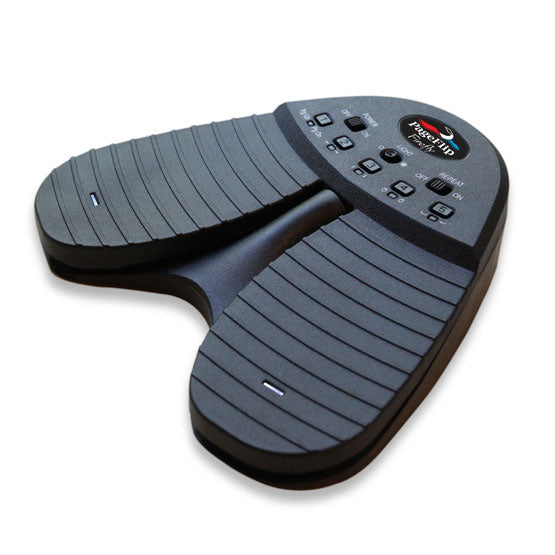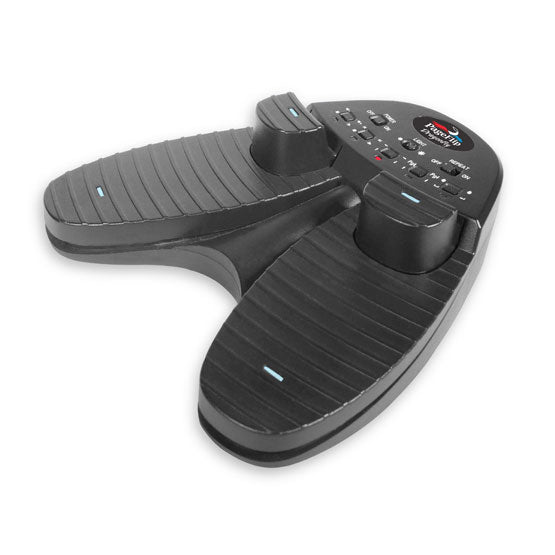


- Description
- Specifications
- Video
- Manual
- Software
Description
How it works
The PageFlip OmniRing acts like a standard keyboard and works with any software that can read keyboard strokes to navigate through digital files or multimedia content. The ring emits key presses, such as PageUp/PageDown, as users tap the buttons. Since there are two buttons that can be engaged in either single-press or double-press modes, there are effectively four key presses that can be emitted by the ring. The long-press mode emits a stream of key presses as long as the button is held down. This is useful for fast, continuous page turning or sending a stream of volume up/down signals to the Bluetooth device.
Reprogramming the OmniRing
The PageFlip OmniRing remote control ring offers the option to reprogram its two mounted buttons in either single-press, double-press, or long-press modes so that each button can now transmit any desired key press combination or hotkey function. Simply download the free PageFlip iOS/Android app on the App Store or Google Play Store to reassign the button functions.
Compatible iPad apps
The OmniRing works with iPads under keyboard-compatible apps such as forScore, OnSong, unrealBook, MusicReader, Music Podium, Newzik, NextPage, PowerMusic, Avid Scorch, Scorecerer, Set List Maker, Steinway Etude, TomPlay, Virtual Sheet Music, Planning Center Online, Teleprompt+, Kindle, iBooks, and more. Additional compatible iPad apps can be found here.
Compatible Android apps
The PageFlip OmniRing also works with any Android tablet under select apps such as MobileSheets, SongBook, Fakebook, Lyrics Flipper+, Moon+ Reader, EBookDroid, Cool Reader, ezPDF Reader, and EP45 Pro. Additional compatible Android apps can be found here.
Desktop software
The PageFlip OmniRing pedal also works with any Windows, Mac, or Linux computer. Try MobileSheets or PowerMusic Software for superior sheet music display and annotation on Windows platforms.
Turn pages, run presentations, and control media without reaching for your screen. OmniRing keeps you in the moment. Once you try the PageFlip OmniRing you will be amazed by the convenience of hands-free reading, and seamless navigation through slides and multimedia content!
Specifications
Dimensions: 1" (W) x 1" (H) x 0.5" (D)
Weight: 0.12 ounces (3.4 grams)
Battery Life: 13 hours of continuous use
Charging Time: Approximately one hour
Sleep Mode: Enters sleep mode after 30-minute inactivity period. Long-press a button to awaken.
Button Modes: PageUp/PageDown (single-press), Left/Right arrows (double-press)
Programming: The preset modes can be reprogrammed using the PageFlip iOS/Android app
Power: Built-in rechargeable Li-Po battery
Warranty: One year
Includes: OmniRing Bluetooth remote control ring, Quickstart guide in English/German/Spanish/French
Shipping: $10 in US/Canada, $20 (Europe/Australia), $30 (elsewhere)
Video
Manual
Frequently Asked Questions
PageFlip OmniRing Quickstart Guide (English)
PageFlip OmniRing Quickstart Guide (Deutsch)
Software
Download our free PageFlip iOS/Android app on the App Store or Google Play Store to reprogram the button functions, device name, and sleep timer settings.